
Once I had Ollama and Open WebUI running on my Acer Predator, the next obvious problem was that I could only use it when I was sitting in front of that laptop.
If I was at a client meeting, at a conference, or even just working from another room with a different device, I had no access. My first instinct was to spin up a VPS, I’ve done it before through Hostinger, But I didn’t want to pay monthly fees just to relay traffic to a machine I already own. So I looked for alternatives and found Cloudflare Tunnel.
What Cloudflare Tunnel Does
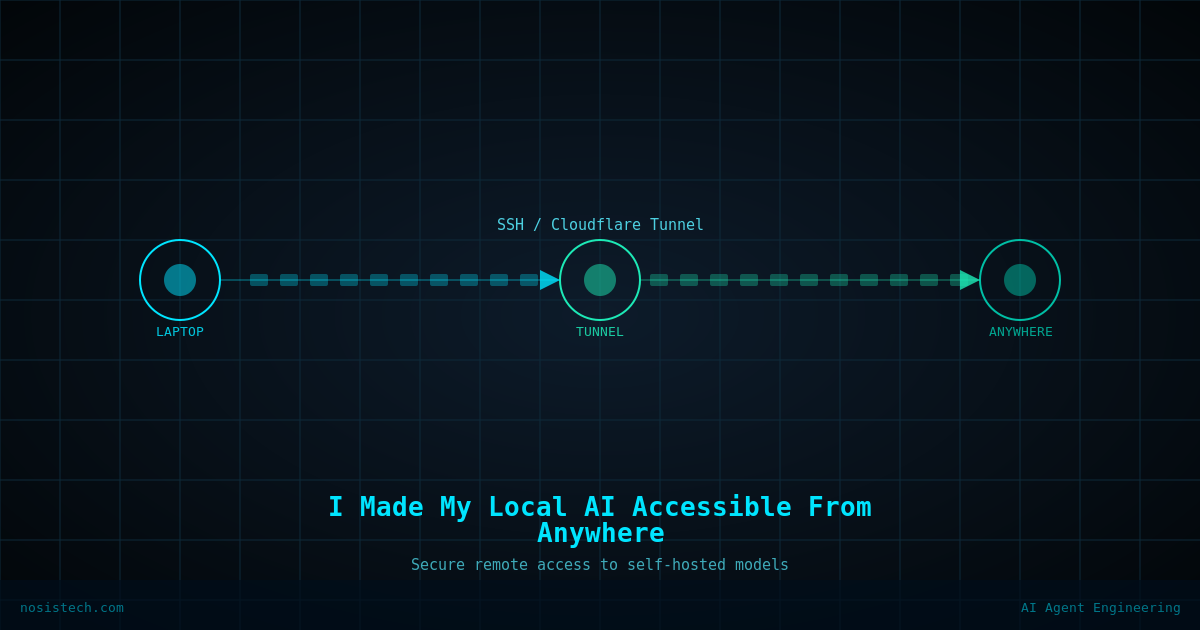
Cloudflare Tunnel creates a secure, encrypted connection between your local machine and Cloudflare’s global network. You install a small agent called cloudflared on your laptop, point it at a local port, and Cloudflare gives you a public URL. Anyone, including you from a phone or another laptop, can reach your local service through that URL. No port forwarding required. No static IP needed. No monthly VPS cost.
Why I Chose This Over Other Options
There are other tools that do something similar. Ngrok is the most popular, but the free tier gives you a URL that changes every time you restart the tunnel, which gets annoying fast. Tailscale is excellent but it’s designed for private access between your own devices, it doesn’t give you a public URL you could share or access from any browser. Cloudflare Tunnel gives you a permanent public URL on the free tier. That’s the detail that made the decision easy.
The Security Consideration
One thing I want to be clear about: I expose Open WebUI (port 8080), not Ollama directly (port 11434). Open WebUI has built-in login authentication. Ollama’s raw API has no authentication at all — exposing it publicly would mean anyone who found the URL could use your models and your hardware. Don’t do that. Always tunnel through an authenticated interface.
A Real Constraint Worth Knowing
This setup works but only when my laptop is on and plugged in. Unlike a VPS that runs 24/7, my laptop needs to be awake and running Ollama for the tunnel to serve responses. I set Windows power settings to never sleep when plugged in, which handles it for my workflow. If you need 100% uptime, a VPS is still the right answer. But if you need flexible access during your working hours without ongoing infrastructure costs, this approach does the job.
What I Use It For
Being able to open a browser on my phone and chat with a model running on my own hardware — privately, without sending data to any cloud service — is genuinely useful. For reviewing documents, drafting, or thinking through governance frameworks on the go, it works well. It’s not perfect. But it’s mine, it’s private, and it’s free
Keep reading: Home AI lab and remote access
Next article: Self-Hosted AI Lab Accessible From Anywhere
All articles: NosisTech Writing