
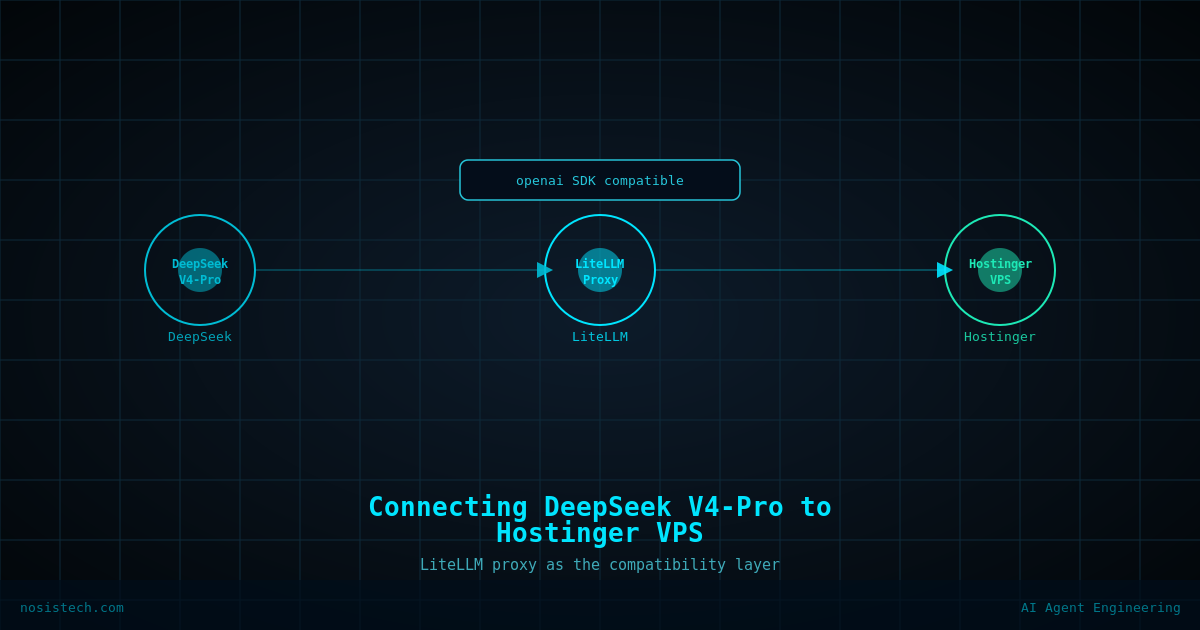
How I connected DeepSeek V4-Pro to my Hostinger VPS using LiteLLM and Open WebUI, a real walkthrough of what worked, what didn’t, and what it actually costs.
Disclaimer: This article documents a personal technical experiment on my own infrastructure. Configurations reflect my specific environment and should not be treated as security advice or guaranteed protection. Always validate independently and consult qualified security professionals. NosisTech LLC accepts no liability for outcomes from use of this content.
I spend a lot of time thinking about AI infrastructure costs. The economics of running frontier models matter. So when DeepSeek released V4-Pro, a model that benchmarks close to top-tier proprietary models at a fraction of the price, I wanted to know if I could run it through my own infrastructure rather than paying per-seat platform fees.
What I Was Starting With
I already had a Hostinger VPS running on their KVM 2 plan, 2 vCPU cores, 8GB RAM, 100GB SSD, Ubuntu 24.04. Hostinger had pre-installed Ollama on it, which meant the server was already set up for AI inference work. Open WebUI was also running on port 8080, giving me a browser-based chat interface accessible from any device.
What was missing was a unified proxy layer that could route requests to multiple AI providers, both local Ollama models and external APIs like DeepSeek, through a single endpoint. That’s where LiteLLM comes in.
LiteLLM is an open-source proxy server (a middleman that sits between your interface and your AI models) that speaks the same language as OpenAI’s API. Because Open WebUI and most AI tools are built to talk to OpenAI-compatible endpoints, LiteLLM lets you swap in any provider, DeepSeek, Anthropic, local Ollama models, without changing your frontend at all.
The Setup: What I Actually Did
The first step was installing LiteLLM on the VPS. Ubuntu 24.04 manages Python packages strictly, so the install required a specific flag to override the system protection:
pip3 install 'litellm[proxy]' -break-system-packagesThis flag tells pip to install system-wide despite Ubuntu’s protections. In my environment this worked without breaking anything, but your results may vary depending on what else is running on your server.
Next I created a configuration file that defines which models LiteLLM should expose. My configuration included four models: DeepSeek V4-Pro via the DeepSeek API, DeepSeek V4-Flash also via the API, and two local Ollama models, Qwen 2.5 7B and DeepSeek Coder 6.7B, that were already running on the VPS. The configuration also sets a master key that acts as a password for anyone trying to access the proxy.
I then created a systemd service, a background process manager built into Linux, so that LiteLLM starts automatically every time the server reboots. Without this, you would need to manually restart the proxy after every server restart.
The same approach applied to Open WebUI. It was running as a raw background process, meaning a reboot would kill it. I created a matching systemd service for Open WebUI as well, so both services now survive reboots without any manual intervention.
Finally, I connected Open WebUI to the LiteLLM proxy by adding a new OpenAI-compatible connection in the Open WebUI settings panel, pointing it to the LiteLLM port with the master key as the API key. Within seconds, all four models appeared in the model dropdown inside Open WebUI.
The Result
From any browser, on any device, anywhere in the world, I can now open Open WebUI at my VPS address and access DeepSeek V4-Pro, DeepSeek V4-Flash, and my local Ollama models through a single interface. The local models cost nothing to run. The DeepSeek models bill against a prepaid API balance on the DeepSeek platform.
I tested V4-Pro against similar models I use from other providers. The output quality was closer to top-tier proprietary models than I expected at this price point. The thinking model, where the model reasons through the problem before answering, is what makes V4-Pro different from the Flash variant.
What V4-Pro Costs
When I wrote this post, DeepSeek offered V4-Pro at a 75% discount until May 5, 2026. That offer has ended. In October 2026, V4-Pro output costs $1.98 per million tokens off-peak and $3.96 per million tokens at peak hours. Peak hours are 01:00 to 04:00 and 06:00 to 10:00 UTC, Monday to Friday. Prices change often, so check DeepSeek’s pricing page before you plan a budget.
To put that in context: running this level of output through comparable proprietary models costs significantly more per million tokens. That number will be different in your environment depending on how much you use it.
DeepSeek works on a prepaid balance model. You add funds to your account on platform.deepseek.com and the cost of each request is automatically deducted. There is no subscription, no per-seat fee, and no minimum monthly commitment.
The Pros
The setup gives you a single AI interface accessible from any device without platform subscriptions or per-seat pricing. Because LiteLLM sits in the middle, you can add or swap providers, Anthropic, Google, any OpenAI-compatible endpoint, by editing one configuration file. Your local Ollama models remain available for zero-cost tasks. Everything auto-restarts after a reboot. The total monthly infrastructure cost is your existing VPS plan plus whatever API balance you consume.
V4-Pro’s thinking mode produces noticeably deeper outputs on complex reasoning tasks compared to running the model without it. For structured professional writing the quality gap between V4-Pro and significantly more expensive models was smaller than I anticipated.
The Cons and Honest Limitations
The VPS I used has 8GB RAM and no GPU. This means the server cannot run large local models, it can only proxy API calls to DeepSeek’s servers. The actual inference happens on DeepSeek’s infrastructure, not mine. If you want true local inference of large models, you need significantly more VRAM than a standard VPS provides.
Port 8080 is open to the internet by default on this setup. Anyone who discovers your VPS IP address can reach your Open WebUI interface. This is a real exposure if you do not set strong authentication inside Open WebUI and consider additional network controls at the firewall level. Always protect yourself.
The DeepSeek API sends your prompts to DeepSeek’s servers. For client-sensitive or confidential work, you need to evaluate whether that data flow is acceptable under your agreements and applicable regulations before routing that content through any third-party API.
LiteLLM version conflicts with Open WebUI are possible since both projects move fast. My upgrade of Open WebUI to 0.9.2 introduced minor dependency warnings between aiohttp and openai package versions. Neither service broke, but dependency management on a shared system-wide Python environment is something to monitor over time.
Is a VPS the Right Place for This?
For routing API calls to external providers like DeepSeek, a VPS with 8GB RAM and no GPU is perfectly adequate. The server does almost no compute work, it just passes requests back and forth. For running large local models, a VPS at this tier is the wrong tool.
The VPS earns its keep as a persistent, always-on access point for the interface and proxy layer.
What I Would Do Differently
I would set up Cloudflare Access on the Open WebUI port from the start rather than leaving it open while I tested. The Cloudflare Tunnel approach I documented in an earlier post on this site applies directly here and would have been a cleaner security posture from day one.
I would also create the systemd services for Open WebUI before running any tests, rather than discovering mid-session that the process was not reboot-safe.
Keep reading: Cloud AI models and their cost
Previous article: I Built My Own AI Server on a VPS
Next article: Three hidden patterns that inflate your AI API bill
All articles: NosisTech Writing