
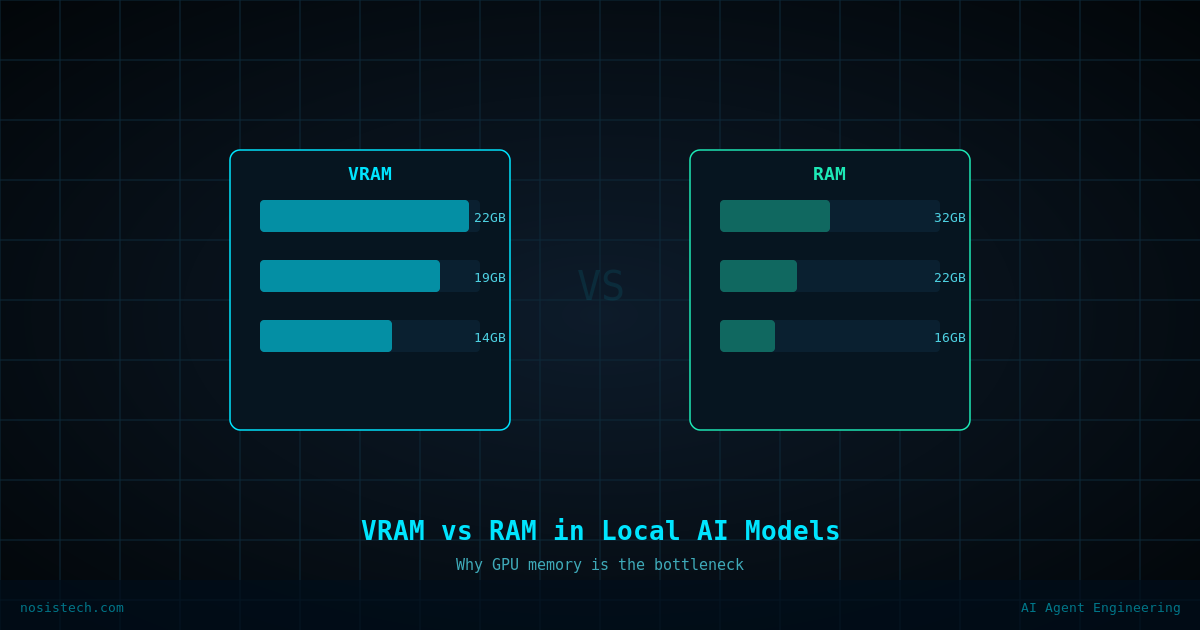
When I started running AI models locally on my laptop, I kept seeing two numbers in every guide: VRAM and RAM.
I understood vaguely that VRAM was the GPU memory and RAM was the system memory, but I didn’t really know why it mattered or what would happen when a model was too large to fit in one place. After running some diagnostics on my own setup, I now understand it well enough to explain it simply — which is what I’ll do here.
My Setup
My Acer Predator has an NVIDIA RTX 5070 Ti with 12GB of VRAM and 32GB of DDR5 system RAM. I’m running Qwen3 30B A3B, a 30 billion parameter AI model at Q4_K_M quantization, meaning, it’s been compressed to reduce its size without losing too much quality.
What Happens When the Model Is Too Big for VRAM
The Qwen3 30B model, even compressed, takes up roughly 19–20GB of memory. My GPU only has 12GB. So Ollama loads as many layers of the model as it can into VRAM , about 11GB worth, and the remaining 9GB spills over into system RAM. Running a quick diagnostic confirmed exactly this: VRAM used ~11,045MB out of 12,227MB, and RAM used by Ollama ~9.1GB in addition. The model is essentially split across two different types of memory simultaneously.
Why Does This Affect Speed?
GPU memory (VRAM) is extremely fast — it’s designed specifically for the kind of parallel math that AI inference requires. System RAM, even DDR5 at 6400 MT/s like mine, is significantly slower for this type of workload. The layers of the model that live in RAM take longer to process than the ones in VRAM. This is why local models feel slower than cloud AI. It’s not just the hardware; it’s also where in the hardware the computation is happening.
The Good News About MoE Models
One thing that helped me understand why Qwen3 still performs reasonably well despite the memory split is its architecture. It’s a Mixture of Experts model — meaning it has 128 specialized sub-networks, but only 8 of them activate for any given response. The model is large on disk but computationally efficient in practice. So even though 9GB of it sits in slower RAM, the actual math per token is much lighter than a traditional 30B model would be.
What This Means Practically
If you’re setting up local AI and your model exceeds your VRAM, it will still work — it just won’t be as fast. For my use case; writing, summarizing, and reasoning through documents; the speed is acceptable. For real-time conversations expecting instant responses, the difference is noticeable. Understanding this helped me stop being frustrated and start setting realistic expectations. The model isn’t broken. It’s just working within the limits of the hardware and doing it better than I expected.
Keep reading: Local AI on a gaming laptop
Previous article: I Ran AI Models on My Laptop
Next article: Running Local AI on a Gaming Laptop: Set Up
All articles: NosisTech Writing