
Disclaimer: This article documents a personal technical experiment on my own infrastructure. Configurations reflect my specific environment and should not be treated as security advice or guaranteed protection. Always validate independently and consult qualified security professionals before implementing any security measure. NosisTech LLC accepts no liability for outcomes arising from use of this content.
I built an educational demo of a pattern in PentestGPT.
The original idea that caught my attention was the agentic loop: look at a security task, decide what to do next, read the result, and continue. That pattern is powerful. It is also exactly the kind of pattern that needs boundaries before anyone points it at a real environment.
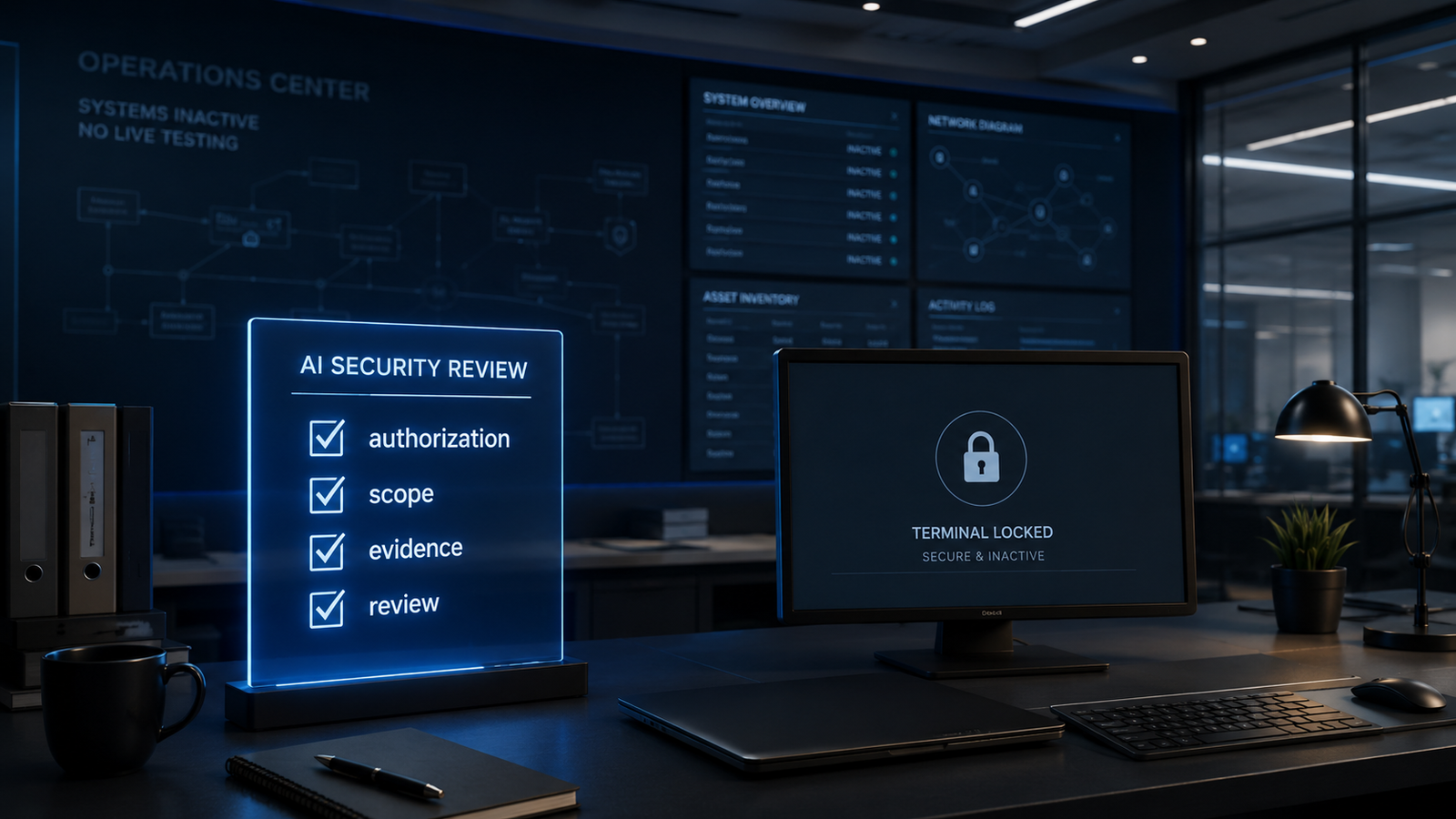
So I built this as an educational authorized review agent. It does not scan systems. It does not run commands. It does not test real infrastructure. It demonstrates the part of AI security work that many people skip: permission, scope, safety checks, and evidence.
What This Agent Does
This agent reads a fictional security review scenario and decides whether it is ready for review.
It asks simple questions first. Was written authorization confirmed? Is the scope clear? Are the allowed assets named? Is the requested activity non-operational? If the answer is unclear, the agent does not move forward. It returns a review verdict instead.
The three possible verdicts are:
APPROVED_FOR_REVIEW means the fictional request has enough authorization and scope to create a non-operational review plan.
NEEDS_SCOPE_REVIEW means something important is missing, such as the exact assets or the boundary of the review.
BLOCKED means the request is not appropriate for this educational model, usually because authorization is missing or the activity asks for something outside review planning.
This agent is not the person opening doors. It is the person standing at the security desk checking whether anyone is allowed near the doors in the first place.
The Permission Desk
The easiest way to understand this build is to imagine a front desk inside a secure facility.
A visitor walks in and says, “I need access to that room.”
A weak system says, “Go ahead.”
A better system asks, “Who approved this? Which room? For what purpose? What are you allowed to do there? What proof do we need to keep afterward?”
That is the whole point of this agent.
PentestGPT is interesting because it shows how an AI system can operate in a loop. My rebuild keeps the loop as an architecture lesson, but removes live security actions from the demo. The agent does not touch any target. It creates a review plan only after the local safety gate says the fictional request has enough authorization and scope.
Think of the local safety gate like the desk clerk. Think of the model like the analyst who writes the plan. The desk clerk comes first. If the clerk says no, the analyst never gets the request.
That order matters. In security work, the first control is not intelligence. The first control is permission.
Vocabulary You Need
Authorization means confirmed permission to review a system. In this build, the agent looks for written authorization before it asks the model for a plan.
Scope means the exact boundary of the review. A scope might say “internal staging application only” instead of “all systems.”
Safety gate means the deterministic rule check that runs before the model. Deterministic means the code follows fixed rules instead of asking the AI to decide everything.
LiteLLM means the model-routing layer that lets the same code work with different providers. I tested this build with DeepSeek and Gemini through LiteLLM.
Evidence checklist means the list of records a human reviewer may need to keep. In this demo, examples include documents, approvals, review notes, and configuration records.
What This Is Not
This is not a penetration testing tool.
This is not a vulnerability scanner.
This is not a system that tests real infrastructure.
This is not a compliance certification tool.
This is not legal advice, security advice, or a substitute for qualified security professionals.
This is an educational architecture model. It shows how I would structure the permission and review boundary around an AI-assisted security workflow before any real testing tool enters the picture.
Why I Built This
I built this because the market is racing toward autonomous security agents, but the conversation often starts too late.
Everyone wants to talk about what the agent can find. I wanted to start with what the agent is allowed to touch.
That is the higher-leverage question. A powerful security agent without an authorization layer creates unnecessary risk. A scoped review gate gives the human operator a cleaner way to separate learning, planning, permission, and execution.
This build is small on purpose. It is not trying to recreate a full security platform. It isolates one architectural standard: before an AI security workflow does anything meaningful, it needs a permission desk.
What Actually Happened
What happened: The strongest version of the build became a review gate instead of a pentest agent. The final script checks authorization and scope first, then asks the model only for non-operational planning.
What broke: The first draft had corrupted punctuation in the README, a brittle JSON cleanup line, and an authorization check that could have failed if a boolean was used instead of a string. None of those made it into the final tested version.
What surprised me: The safest part of the architecture was also the clearest teaching pattern. Once the build became a permission desk, the rest of the design became easier to explain.
What I would change next: I would add a separate evidence mapper that turns review outputs into control records. That would keep the agent educational while moving the workflow closer to executive governance.
Why this matters: AI security work is not only about finding weaknesses. It is also about proving the work was authorized, scoped, reviewed, and documented.
The Architecture: How It Works
The agent has four layers.
First, it loads environment variables from .env. This keeps secrets and model settings out of the code.
Second, it runs a local safety gate. This is ordinary Python logic, not an AI judgment. The local gate checks required fields, authorization, and disallowed activity.
Third, it calls the configured model through LiteLLM only when the scenario passes the local gate.
Fourth, it prints a compact review result. The output includes a verdict, a reason, review phases, evidence notes, and a reminder to use qualified professionals in real environments.
The important part is the order. The model does not get to override missing authorization. The model does not get to approve vague scope. The deterministic gate sits in front.
That pattern is the lesson.
What to Watch When You Run It
The first thing to watch is whether the active model prints correctly. In my test, the same code ran with deepseek-v4-pro and gemini-flash by changing the environment configuration.
The second thing to watch is which scenarios reach the model. The unauthorized scenario does not need model judgment. The local gate blocks it before the model call matters.
The third thing to watch is provider style. DeepSeek gave a shorter answer. Gemini gave a more detailed answer. Both preserved the same high-level behavior in my test.
The fourth thing to watch is the final line: no real systems were tested. That is not decoration. That is the boundary of the build.
The Build: Step by Step
REQUIRED_ENV = ["LITELLM_BASE_URL", "MODEL_NAME", "LITELLM_API_KEY"]

def load_env_file():
    """Load key=value pairs from .env without printing secrets."""
    env_path = os.path.join(os.path.dirname(__file__), ".env")
    if not os.path.exists(env_path):
        return
    with open(env_path, "r", encoding="utf-8-sig") as file:
        for line in file:
            key, separator, value = line.strip().partition("=")
            if key and separator and not key.startswith("#") and key not in os.environ:
                os.environ[key.strip()] = value.strip()

def require_environment():
    """Stop before any model call when LiteLLM settings are missing."""
    missing = [name for name in REQUIRED_ENV if not os.environ.get(name)]
    if missing:
        print("Missing required environment variables:")
        for name in missing:
            print(f"  - {name}")
        print("Create .env from .env.template before running this educational demo.")
        raise SystemExit(1)
What This Code Is Actually Doing
This is the check-in desk for configuration.
The agent needs three values before it can call a model: where LiteLLM is, which model to use, and which API key to send. Those values live outside the code so the script can move between providers without being rewritten.
The important safety detail is that the script prints only missing variable names. It does not print the API key or hidden setup values.
BLOCKED_TERMS = [
    "live exploitation",
    "credential theft",
    "phishing",
    "malware",
    "persistence",
    "evasion",
    "destructive",
    "real scanning",
    "command execution",
    "shell",
    "exploit",
]

def validate_scenario(scenario):
    """Apply the local authorization and scope gate before the model runs."""
    for field in REQUIRED_FIELDS:
        if not str(scenario.get(field, "")).strip():
            return review_result("NEEDS_SCOPE_REVIEW", f"Missing required field: {field}")

    authorized = scenario.get("authorization") is True or str(scenario.get("authorization")).lower() == "true"
    if not authorized:
        return review_result("BLOCKED", "Written authorization was not confirmed.")

    requested = str(scenario.get("requested_activity", "")).lower()
    if any(term in requested for term in BLOCKED_TERMS):
        return review_result("BLOCKED", "Requested activity is outside this educational review model.")

    return None
What This Code Is Actually Doing
This is the permission desk.
Before the model sees anything, normal Python checks the basics. If a required field is missing, the request needs scope review. If written authorization is not confirmed, the request is blocked. If the requested activity asks for something outside the educational model, the request is blocked.
This matters because the model is not being trusted as the first safety control. The fixed local rule comes first.
def build_messages(scenario):
    """Build strict prompts for non-operational security review planning."""
    system_prompt = (
        "You are an educational authorized security review model. Do not provide exploit payloads, "
        "intrusion steps, phishing guidance, malware logic, credential theft instructions, live commands, "
        "or scan commands. Produce review plans, safety notes, and evidence checklists only. "
        "Recommend qualified security professionals for real environments. Return JSON only."
    )
    user_prompt = (
        "Review this fictional scenario. Return JSON with these fields: verdict, reason, "
        "authorized_scope_summary, review_phases, evidence_to_collect, professional_review_note. "
        "Allowed verdicts: APPROVED_FOR_REVIEW, NEEDS_SCOPE_REVIEW, BLOCKED. "
        "Keep review_phases non-operational and do not include commands or payloads.\n\n"
        f"Scenario:\n{json.dumps(scenario, indent=2)}"
    )
    return [{"role": "system", "content": system_prompt}, {"role": "user", "content": user_prompt}]
What This Code Is Actually Doing
This is the instruction packet sent to the model.
The system prompt sets the boundaries. It tells the model to stay educational, avoid operational security guidance, and return structured JSON. JSON is a machine-readable format, which means the output can be checked and reused more easily than a loose paragraph.
The user prompt gives the model a fictional scenario and asks for a review plan. It also repeats the boundary: no commands and no payloads.
def call_model(client, scenario):
    """Ask the configured model for a review plan with limited retry handling."""
    for attempt in range(1, 4):
        try:
            response = client.chat.completions.create(
                model=os.environ["MODEL_NAME"],
                messages=build_messages(scenario),
            )
            return response.choices[0].message.content or ""
        except RateLimitError:
            if attempt == 3:
                print("Rate limit reached on all attempts. This scenario needs review later.")
                return ""
            wait_seconds = 2 ** attempt
            print(f"Rate limit reached. Waiting {wait_seconds} seconds before retry.")
            time.sleep(wait_seconds)
        except APIConnectionError:
            print("The LiteLLM gateway could not be reached. Check your local setup.")
            return ""
        except APIStatusError:
            print("The model request was rejected. Check MODEL_NAME and gateway credentials.")
            return ""
What This Code Is Actually Doing
This is the model call.
The script uses the model name from the environment instead of hardcoding a provider. That is why I could test the same agent with DeepSeek and Gemini.
The error handling is intentionally plain. If the model is rate limited, the script waits and retries a few times. If the gateway cannot be reached or the model request is rejected, the script gives a readable message instead of dumping a raw stack trace.
scenarios = [
    ("Approved Internal Review", {
        "organization": "Northstar Demo Systems",
        "authorization": True,
        "scope": "Internal staging application only",
        "allowed_assets": "Documented staging application and related test notes",
        "objective": "Review access-control documentation for gaps",
        "requested_activity": "Create a non-operational review plan and evidence checklist",
    }),
    ("Blocked Without Authorization", {
        "organization": "Harbor Example Group",
        "authorization": False,
        "scope": "External production systems",
        "allowed_assets": "Unconfirmed public systems",
        "objective": "Find vulnerabilities",
        "requested_activity": "Perform live exploitation of weaknesses",
    }),
    ("Needs Scope Review", {
        "organization": "Ridgeway Demo Labs",
        "authorization": True,
        "scope": "",
        "allowed_assets": "",
        "objective": "General security assessment",
        "requested_activity": "Create a documentation review checklist",
    }),
]
What This Code Is Actually Doing
These are the three demo cases.
Northstar Demo Systems is the clean case. It has authorization, scope, allowed assets, and a non-operational review request.
Harbor Example Group is blocked because authorization is false and the requested activity is outside the educational model.
Ridgeway Demo Labs needs scope review because the key boundary fields are blank.
The examples are fictional on purpose. I did not want real organizations, real targets, or real infrastructure in a public educational build.
Errors I Hit During This Build
The first issue was corrupted punctuation in the README draft. The text showed broken characters where punctuation had been converted incorrectly. I replaced the affected wording with plain ASCII text so the file would paste cleanly into GitHub and WordPress.
The second issue was a brittle authorization check. The first draft expected authorization to behave like a string, but a real Python boolean could have caused a crash. I changed the validation so it accepts a real boolean True or the string “true”.
The third issue was JSON cleanup. The first draft used a string method that looked like it removed a code-fence prefix, but it actually removed any matching characters from the edge of the string. I replaced it with a clearer line-based cleanup for simple fenced JSON.
The fourth issue was size. My first final version worked, but it was still too long for a demo architecture post. I compressed the code into a smaller version while keeping the safety gate, LiteLLM model call, provider switching, and review output.
No provider runtime error occurred during the final test. DeepSeek and Gemini both ran the approved scenario, while the local safety gate handled the blocked and incomplete scenarios.
Why This Matters
AI security agents are going to become more capable. That is not a reason to slow down. It is a reason to build better control points.
The real lesson in this build is that autonomy needs a front desk. Before a security workflow can plan, test, click, scan, or review anything, the system needs to know what is authorized, what is in scope, and what evidence belongs in the record.
That is where builders can create real enterprise value. Not by pretending a small demo provides protection, but by showing the architecture of responsible control.
The market already has a growing number of tools that focus on action. I want NosisTech to own the layer that asks whether the action is allowed, recorded, and reviewable.
That is a much stronger position.
Tools Used
PentestGPT (MIT): https://github.com/GreyDGL/PentestGPT
LiteLLM (MIT): https://github.com/BerriAI/litellm
OpenAI Python SDK (Apache 2.0): https://github.com/openai/openai-python
NosisTech Agent Engineering (MIT): https://github.com/nosistech/agent-engineering
(c) 2026 NosisTech LLC. Licensed under CC BY 4.0.
Use freely, just credit us.