
When I first set up my local AI models, someone explained to me that the context window is basically how much the model can hold in its head at once.
The default was 4096 tokens. I changed it to 8192. Then I got curious — why stop there? So I kept going.
What a Context Window Actually Is
When you talk to an AI model, it does not have a persistent memory the way you do. Every time it generates a response, it re-reads the entire conversation from the beginning. The context window is the size of that reading buffer. If your conversation gets longer than the buffer, the model starts dropping the oldest parts of it. It literally forgets what you said earlier. 4096 tokens is roughly 3,000 words. 8192 tokens is closer to 6,000 words which is enough to hold a full article, a compliance framework outline, or a solid working session without anything falling off the edge.
The Testing
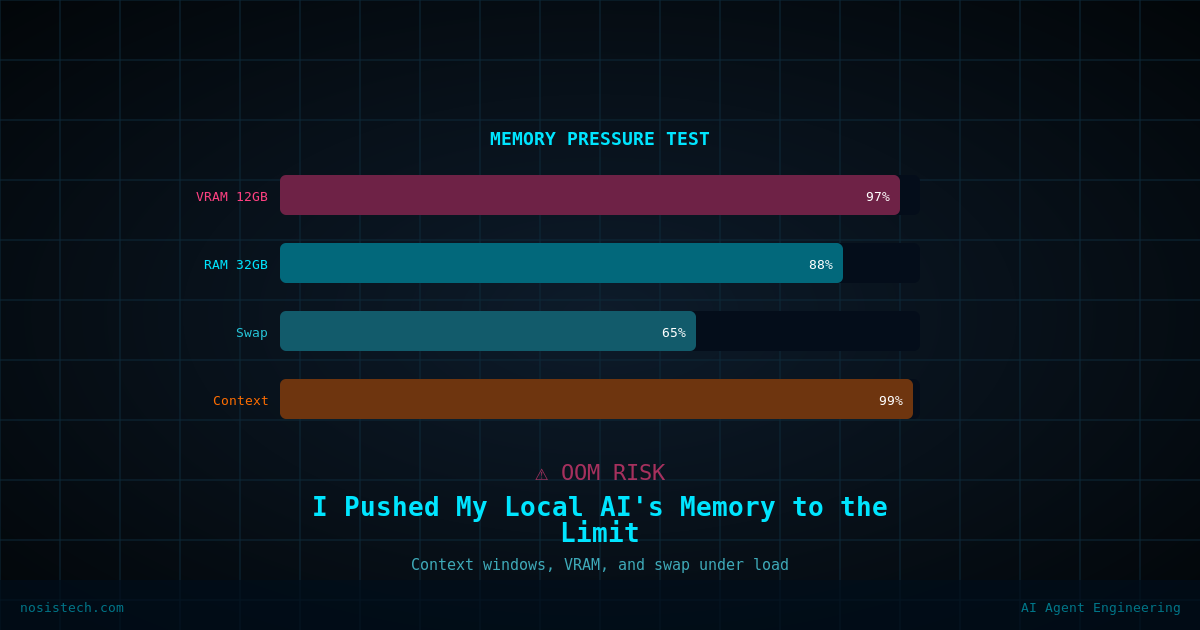
My hardware is an Acer Predator PHN16S-71 with an RTX 5070 Ti (12GB VRAM) and 32GB DDR5 RAM. The models I was testing were Gemma4 26B and Qwen3 30B A3B, both running through Ollama with Open WebUI. The relevant detail is that my models are bigger than my VRAM. Gemma4 26B weighs 19GB. My GPU only holds 12GB. So the model is always split, part of it lives in VRAM where the GPU can work on it quickly, and the rest sits in RAM waiting its turn. The context window data adds to the VRAM load, which means a bigger context window pushes more of the model out of VRAM and into RAM.
At 4096: Responses were fast. But I kept hitting a wall when working on longer documents — the model would start contradicting itself or losing the thread.
At 8192: Still fast enough. Document generation became noticeably more coherent. This is where I stayed.
At 16384: Responses took a beat longer to start. The model was clearly working harder. Usable, but I was paying for it in speed.
At 32768: Slow. Not unusable, but slow enough that I found myself doing other things while waiting for responses. Most of the model was now running through RAM.
Above that: I did not push much further. The behaviour was trending toward instability and the performance was nowhere near worth it.
Why 8192 Is the Right Number for My Setup
There is a point where more context stops helping your work and starts hurting your hardware. For a machine with 12GB VRAM running a 19GB model, that point comes earlier than it would on a workstation with 24GB or 48GB VRAM. 8192 gives me enough conversational memory to write a complete article, review a multi-section document, or work through a technical problem across many exchanges without making the model sluggish. If I ever need more context for a specific task, I can override it for a single conversation without touching the default.
What I Actually Learned
The context window is not a “bigger is better” dial. It is a tradeoff between how much the model can remember and how fast it can think. On constrained hardware, you find the number that covers your real workload and you stop there. For me that number is 8192. If my VRAM doubles someday, that number will probably double too. Until then, it earns its place.
Keep reading: Local AI on a gaming laptop
Previous article: Running Local AI on a Gaming Laptop: Set Up
Next article: I Ran a Good Model With Decent Hardware
All articles: NosisTech Writing