
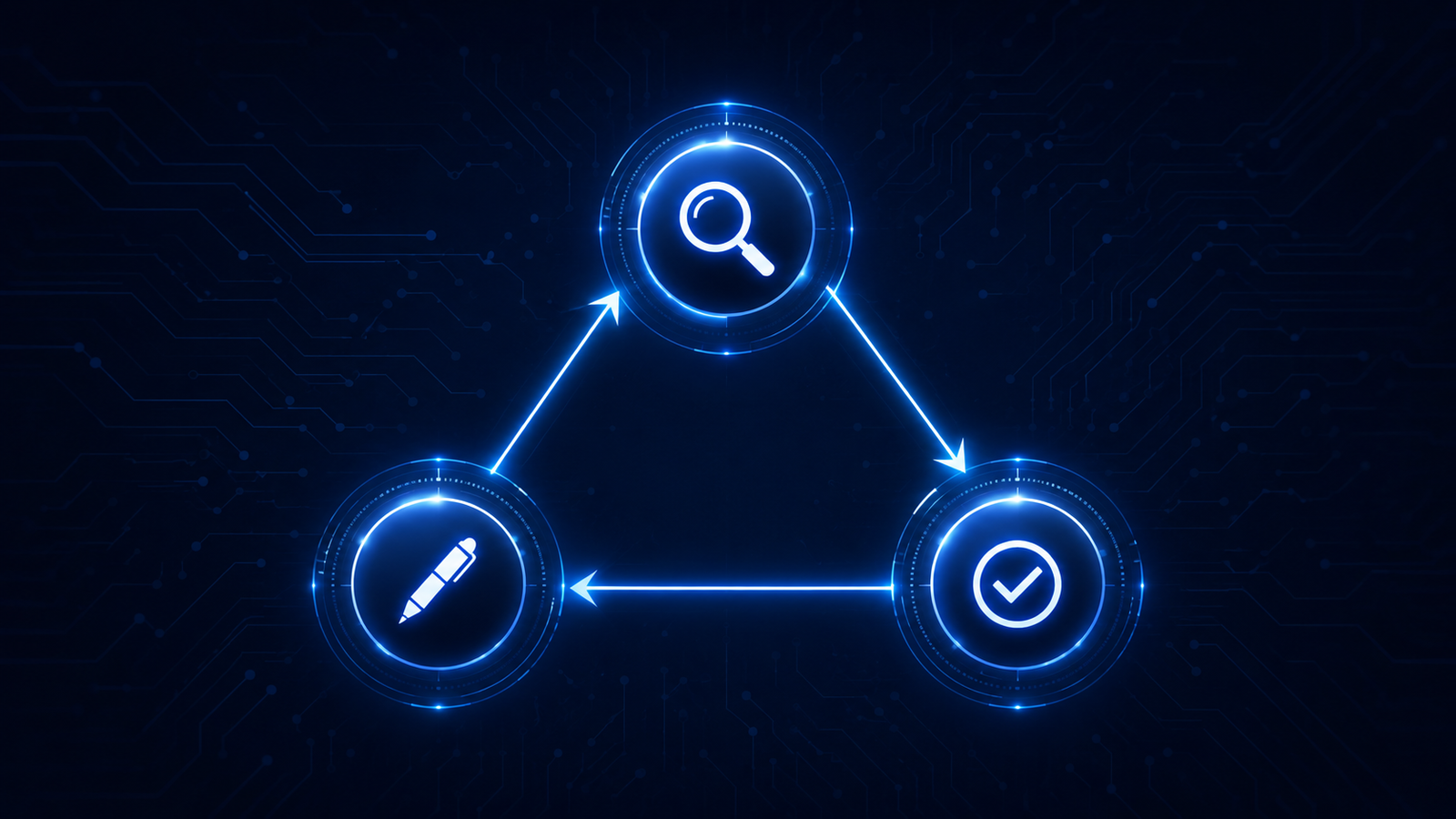
Most AI tools give you one worker. CrewAI gives you a team. I built a three-agent crew where a Research Analyst gathers information, a Content Strategist drafts an executive summary, and an Editorial Reviewer approves or flags the output for revision. The agents hand off work to each other automatically, in sequence, without any manual intervention between steps.
What This Agent Does
This build is a content research and synthesis crew for NosisTech LLC. You give it a topic and it runs a three-stage editorial workflow automatically. The Research Agent uses a built-in tool to gather structured findings on the topic. The Writer Agent reads those findings and produces a two-paragraph executive briefing. The Quality Agent reads the draft and returns either APPROVED or REVISION NEEDED with a specific list of what to fix.
The entire workflow runs in sequential mode, meaning each agent waits for the previous one to finish before starting. The output of each stage becomes the input for the next. No human touches anything between the research handoff and the final quality decision. That is the core value of multi-agent orchestration: defined roles, automatic handoffs, and a final output that went through multiple independent review stages before it reached you.
I really recommend two courses from Deeplearning.ai: 1. Design, Develop, and Deploy Multi-Agent Systems with CrewAI 2. Multi AI Agent Systems with crewAI
What Actually Happened
What I expected: crewai would install with a standard pip install and the build would be straightforward.
What actually happened: pip defaulted to Python 3.14.2 on Predator and every version of crewai requires Python strictly below 3.14. The install failed completely before a single line of agent code ran.
What broke: pip install crewai==0.86.0 returned no matching distribution found because Python 3.14 is too new for crewai’s current release cycle.
What surprised me: the fix was not a code change. It was a Python version selection. Using py -3.11 to force the Python Launcher to use 3.11 instead of 3.14 resolved the install immediately. crewai 0.86.0 installed clean under 3.11.
What I would change next: a virtual environment pinned to Python 3.11 would prevent this from happening silently on any machine where 3.14 is the default.
Why this matters: Python version conflicts are some of the most common silent failure in AI agent builds. The error message points at the package, not the Python version, which makes it easy to chase the wrong fix.
The Architecture: How It Works
CrewAI is built around four concepts: Agents, Tasks, Tools, and Crews. Understanding what each one does makes the code readable immediately.
An Agent is a specialist. You give it a role, a goal, and a backstory. The role tells it who it is. The goal tells it what success looks like. The backstory gives it the professional context it uses when deciding how to respond. Think of it as writing a job description. The more specific the description, the more focused the output.
A Task is an assignment. Each task is given to exactly one agent and describes what needs to be produced, how it should be structured, and what the expected output looks like. Tasks are the work orders. Agents are the workers who execute them.
A Tool is a capability. In this build the Research Agent has one tool: a Python function that returns structured findings on any topic. Tools let agents take real actions instead of relying entirely on what they already know. In production, a tool might query a database, call an API, or search the web. In this build it returns structured demo research notes, keeping the build clean and dependency-light.
A Crew is the team. It brings agents and tasks together and decides the process mode. Sequential mode runs tasks one after another in order. Hierarchical mode adds a manager agent that dynamically delegates work. This build uses sequential mode because it is the clearest way to teach the pattern.
The Model-Agnostic Layer
Every agent in this series routes through a LiteLLM proxy running on a private VPS. CrewAI has its own LLM class that accepts a base URL and API key. Pointing that class at the LiteLLM proxy means the crew can run on any provider by changing one line in the .env file.
In this verification pass, Gemini Flash completed the full three-agent crew successfully. The architecture still allows provider switching through MODEL_NAME, but each provider should be tested before relying on it in production.
One important detail for anyone routing CrewAI through LiteLLM with a custom base URL: the model name must include a provider prefix. Using deepseek-v4-pro alone causes a routing failure because LiteLLM does not know which provider to call. Using openai/deepseek-v4-pro tells LiteLLM to treat the endpoint as OpenAI-compatible, which is exactly what the proxy exposes. This is a one-word fix that took a full error cycle to discover, so I am documenting it here.
The Build: Step by Step
Step 1: Disable Telemetry Before Anything Else
import os
from dotenv import load_dotenv

# Disable CrewAI telemetry before any other crewai import
os.environ["CREWAI_TELEMETRY"] = "false"

from crewai import Agent, Crew, LLM, Process, Task
from crewai.tools import tool
What This Code Is Actually Doing
CrewAI sends usage data back to its servers by default. That is standard practice for open source tools that want to understand how their software is being used, but it is not good in an AI governance consultancy context where client topics and research queries need to stay private.
Setting the environment variable before the crewai import is critical. If you set it after the import, the telemetry module has already initialized and the flag is ignored. Think of it as locking the door before guests arrive rather than after. The from crewai.tools import tool line brings in the decorator we use to register our research function as a proper CrewAI tool.
Step 2: Environment Variable Validation
REQUIRED_ENV = ("LITELLM_BASE_URL", "MODEL_NAME", "LITELLM_API_KEY", "RESEARCH_TOPIC")


def require_env() -> None:
    missing = [key for key in REQUIRED_ENV if not os.getenv(key)]
    if missing:
        raise SystemExit(f"Missing required environment variables: {', '.join(missing)}")
    if not os.getenv("RESEARCH_TOPIC", "").strip():
        raise SystemExit("Error: RESEARCH_TOPIC is empty.")
    print(f"Active model: {os.getenv('MODEL_NAME')}")
What This Code Is Actually Doing
Before the crew starts, the agent checks that every required configuration value exists in the .env file. If any are missing it prints exactly which ones are absent and stops cleanly. This prevents the crew from starting, making three API calls, and then failing mid-run because a variable was missing from the start.
The print(f”Active model: {os.getenv(‘MODEL_NAME’)}”) line on startup confirms which provider is active. When you are testing across multiple providers, this single line saves significant debugging time because you always know which model ran the output you are looking at.
Step 3: Configure the LLM and Register the Research Tool
@tool("Research Tool")
def gather_research(topic: str) -> str:
    """Return structured demo research notes about the topic."""
    return (
        f"1. Overview of {topic} in the context of AI governance: "
        "enterprises need clear ownership, risk review, and deployment standards.\n"
        f"2. Regulatory landscape: {topic} should be mapped against applicable AI, privacy, "
        "security, and sector-specific requirements before rollout.\n"
        f"3. Implementation challenges: {topic} often stalls when accountability, data access, "
        "and review checkpoints are unclear.\n"
        f"4. Best practices: NosisTech would start with role ownership, documented controls, "
        "model monitoring, and escalation paths.\n"
        f"5. Future outlook: {topic} will likely become more important as enterprise AI moves "
        "from pilots into production workflows."
    )

llm = LLM(
    model=os.getenv("MODEL_NAME"),
    base_url=os.getenv("LITELLM_BASE_URL"),
    api_key=os.getenv("LITELLM_API_KEY"),
)
What This Code Is Actually Doing
The LLM class is CrewAI’s built-in connector. Pointing its base_url at the LiteLLM proxy means every agent in the crew routes through the same privacy-preserving layer. The model name and API key come from the .env file. Nothing is hardcoded.
The @tool decorator is how CrewAI registers a plain Python function as a capability an agent can call during its task. Without the decorator, CrewAI does not know the function exists as a tool and will ignore it. Think of the decorator as the difference between a tool sitting in a drawer versus a tool mounted on the wall with a label. The agent can only reach for tools it can see.
In a production version, this function would call a real search API or internal database. For this build it returns structured synthetic data, which keeps the focus on the orchestration pattern rather than external dependencies.
Step 4: Define the Three Agents
def make_agent(role: str, goal: str, backstory: str, llm: LLM, tools: list | None = None) -> Agent:
    return Agent(role=role, goal=goal, backstory=backstory, tools=tools or [], llm=llm, verbose=True)
What This Code Is Actually Doing
Each agent is defined with three identity elements: a role, a goal, and a backstory. These are not cosmetic. CrewAI injects them into the system prompt that drives each agent’s behavior. A more specific backstory produces more focused output because the agent has a clearer professional identity to operate from.
Notice that only the Research Agent receives tools=[gather_research]. The Writer and Quality agents have no tools because their jobs do not require external lookups. They work entirely from the text passed to them by the previous stage. Giving agents only the tools they need is a security principle: an agent that has no database tool cannot query a database, even if instructed to try.
Step 5: Define the Three Tasks and Assemble the Crew
def make_task(description: str, expected_output: str, agent: Agent) -> Task:
    return Task(description=description, expected_output=expected_output, agent=agent)

crew = Crew(
    agents=agents,
    tasks=tasks,
    process=Process.sequential,
    verbose=True,
)

result = crew.kickoff(inputs={"topic": os.getenv("RESEARCH_TOPIC").strip()})
What This Code Is Actually Doing
Each task has three parts: a description telling the agent what to do, an expected output telling it what the result should look like, and an agent assignment telling it who is responsible. The {topic} placeholder in the research task description is filled in at runtime when kickoff(inputs={"topic": research_topic}) is called. That is how the topic flows from your .env file all the way into the first agent’s instructions.
Process.sequential is the instruction that makes the crew run in order. CrewAI passes the output of each completed task as context to the next agent automatically. The Writer Agent never sees the original topic prompt. It only sees what the Research Agent produced. The Quality Agent only sees what the Writer Agent produced. Each agent has exactly the context it needs and nothing more.
Errors I Hit During This Build
Error 1: CrewAI did not install under Python 3.14
The first failure was not the agent code. It was the Python runtime. The machine defaulted to Python 3.14.2, but the pinned version in this repo, crewai==0.86.0, does not support Python 3.14. The fix was to run the post with Python 3.11.9 instead. Once Python 3.11 was used, the pinned requirements installed and the CrewAI run completed.
The lesson here is that when a package install fails with no matching distribution, check your Python version before assuming the package version is wrong.
Error 2: LLM Provider NOT provided
The error said LiteLLM did not know which provider to call when given the model name deepseek-v4-pro. When CrewAI routes through a custom base URL, LiteLLM needs a provider prefix in the model name to understand the routing context. Changing MODEL_NAME in .env from deepseek-v4-pro to openai/deepseek-v4-pro resolved it immediately. The openai/ prefix tells LiteLLM to treat the endpoint as OpenAI-compatible, which is exactly what the LiteLLM proxy exposes.
Why This Matters
DeepSeek vs Gemini: a real speed difference
One observation worth documenting from this specific build: Gemini Flash completed the full three-agent crew run significantly faster than DeepSeek V4 Pro on identical tasks. Gemini Flash produced usable output and passed the quality gate with APPROVED in this run. But if your workflow runs hundreds of crew executions per day, that speed difference compounds into a meaningful operational decision. The model-agnostic architecture means you can make that switch in one line of your .env file without touching any code.
One behavior difference between providers
One thing to watch across providers: identical CrewAI prompts may not always produce identical tool-use behavior. In production workflows where tool use is required, test each provider before committing to it. Both outputs were usable. This is a real-world reminder that identical prompts can produce different execution paths across providers. In production workflows where tool use is required, test across providers before committing to one.
What I Would Do Differently
The gather_research function returns synthetic data. A production version connects to a real source: a web search API, an internal knowledge base, or a vector store. The architecture does not change. Only the tool function changes.
CrewAI 0.86.0 does not support Python 3.14. That version gap will close as the framework matures, but for now any team running a modern Python install needs to manage the version explicitly. A virtual environment pinned to Python 3.11 prevents this from becoming a silent failure.
The quality gate in this build returns APPROVED or REVISION NEEDED, but it does not loop back for revision automatically. A production version would check the quality output, detect REVISION NEEDED, and route back to the Writer Agent for a second pass. That loop is the next architectural step for this crew.
What This Means
Multi-agent orchestration is the architectural shift that takes AI from a single assistant to a functioning team. When you assign specialized roles, each agent operates within a narrower scope and produces more consistent output than a general-purpose prompt ever could.
For a client running an AI governance practice, a crew like this automates the research, drafting, and review cycle for briefings, policy summaries, and client reports. The output goes through three independent checkpoints before it reaches a human reviewer. The human reviewer focuses on judgment, not formatting or completeness checks.
The speed and cost tradeoffs between providers are real and measurable, and the model-agnostic architecture means those tradeoffs are always just one configuration change away from being acted on.
Tools Used
- CrewAI (MIT): github.com/joaomdmoura/crewAI
- LiteLLM (MIT): github.com/BerriAI/litellm
- NosisTech Agent Engineering (MIT): github.com/nosistech/agent-engineering
Keep reading in this series
Previous build: #22 Financial Advisory Agent: Market Data + News in One Briefing
Next build: #24 AutoGen: Three Ways AI Agents Talk to Each Other
All 56 builds: 50+ Agent Patterns & Builds
(c) 2026 NosisTech LLC. Licensed under CC BY 4.0. Use freely, just credit us.