
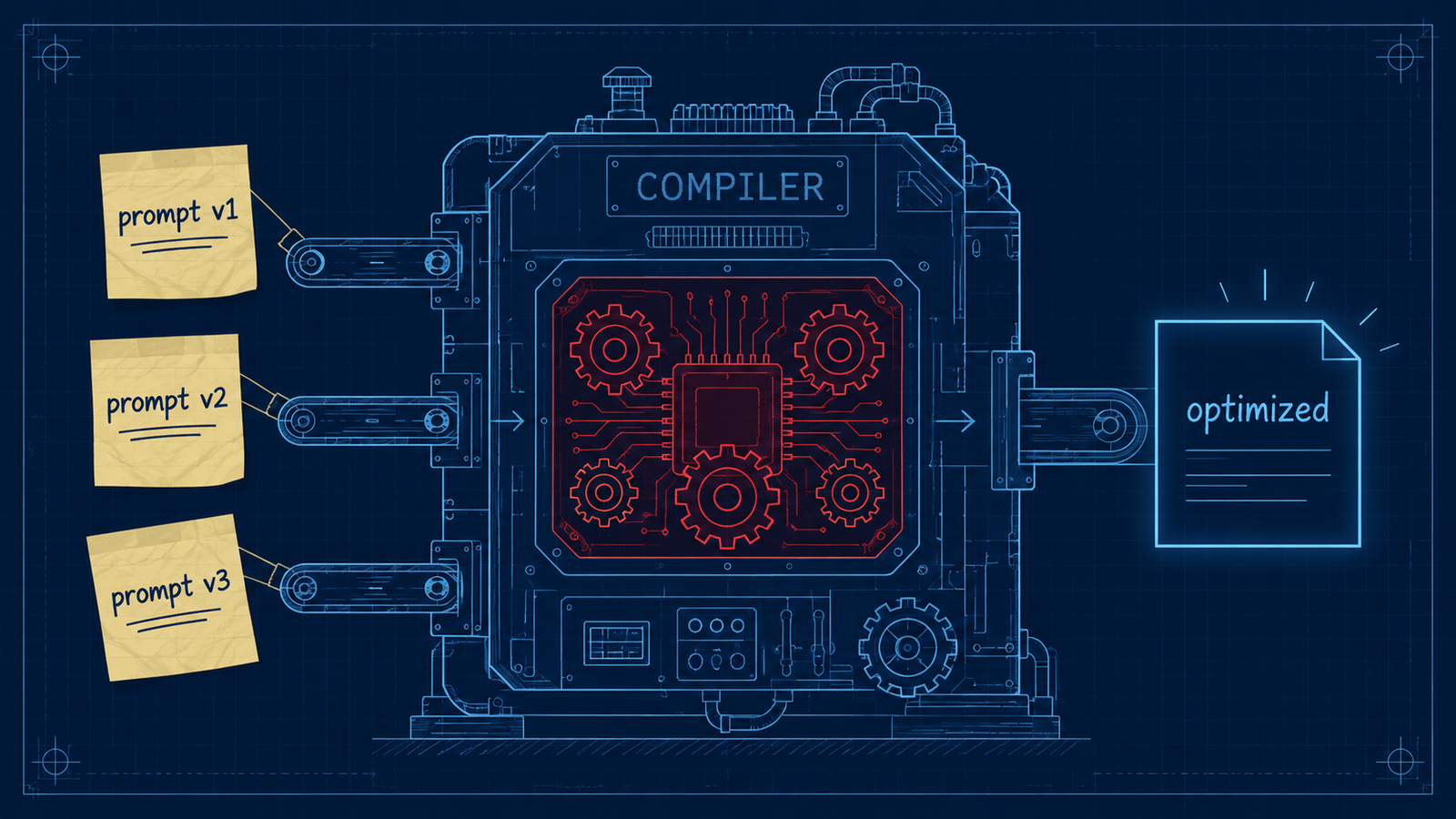
Instead of typing long prompts by hand, DSPy lets you declare what goes in and what needs to come out. The framework then builds the model instructions from that structure.
That is the key idea in this build. I am not writing a long support ticket classification prompt. I am defining the task as a small program: input field, output fields, model configuration, and two DSPy modules that run the same task in slightly different ways.
What This Agent Does
This agent classifies incoming client support emails. For each email it produces three outputs: category, priority, and whether a human should review it.
The current repo keeps the demo intentionally small. It defines one DSPy Signature, then runs the same tickets through Predict and ChainOfThought so you can compare direct classification against reasoning-assisted classification.
The categories are: Billing, Technical, Onboarding, Security.
The priority levels are: High, Medium, Low.
The escalation field answers a practical operations question: does this ticket need a human to look at it?
Why I Built This
Most AI ticket-routing demos are just prompts hidden inside code. That works until the prompt gets long, the categories change, or the model changes.
DSPy approaches the problem differently. It treats the task more like a program. You define the input and output contract, then choose a module that decides how the model should handle the task.
That makes the example easier to reason about. The business logic is visible in the Signature. The model routing is isolated in the DSPy configuration. The comparison between Predict and ChainOfThought is clear because both modules use the same contract.
What I wanted from this version was a smaller, cleaner demo. The older version tried to show too much at once with optimization and a long training set. The current version focuses on the part a beginner needs first: how DSPy turns a declared task into a working model call.
What Actually Happened
What actually happened: the Post 19 repo became much clearer after removing the long optimizer stage. The current version focuses on the smallest useful DSPy pattern: define a Signature, configure DSPy through LiteLLM, run Predict, then run ChainOfThought.
What broke: DSPy failed before the agent logic ran because importing DSPy tried to create a LiteLLM disk cache in a default location that Python could not open. The fix was to point DSPY_CACHEDIR to a repo-local cache directory before importing DSPy.
What surprised me: once the cache path was fixed, the simplified agent ran cleanly through localhost:4000. Both Predict and ChainOfThought classified the sample Billing, Onboarding, and Security tickets correctly.
Why this matters: the framework was not the hard part. The useful lesson was keeping the DSPy demo focused enough that the Signature and module behavior are easy to inspect.
The Architecture: How It Works
DSPy separates the task definition from the model call.
The Signature defines what information comes in and what fields must come out. A module such as Predict or ChainOfThought decides how DSPy should ask the model to complete that task. The language model configuration tells DSPy where to send the request.
In this build there are four main pieces:
The .env loader reads local settings without python-dotenv.
The DSPy cache path is set before importing DSPy.
The TicketRouter signature declares the support-ticket classification task.
The main function runs the same sample tickets through Predict and ChainOfThought.
Step 1: Load Environment Values
def load_env():
    env_file = ROOT / ".env"
    if not env_file.exists():
        return

    for line in env_file.read_text(encoding="utf-8").splitlines():
        line = line.strip()
        if line and not line.startswith("#") and "=" in line:
            key, value = line.split("=", 1)
            os.environ.setdefault(key.strip(), value.strip())
What This Code Is Actually Doing
This function reads the .env file directly. The repo no longer uses python-dotenv.
The .env file provides three required values:
LITELLM_BASE_URL
MODEL_NAME
LITELLM_API_KEY
Those settings tell DSPy where the LiteLLM-compatible endpoint is, which model to call, and what API key to use.
Step 2: Set The DSPy Cache Path
ROOT = Path(__file__).resolve().parent
os.environ.setdefault("DSPY_CACHEDIR", str(ROOT / ".cache" / "dspy"))

import dspy
What This Code Is Actually Doing
This line sets DSPy’s cache directory before DSPy imports.
That order matters. DSPy imports LiteLLM internally, and LiteLLM tries to create a disk cache during import. On this machine, the default cache location failed with:
sqlite3.OperationalError: unable to open database filePointing DSPY_CACHEDIR to a repo-local cache path fixed the import and let the agent run cleanly.
Step 3: Define The DSPy Signature
class TicketRouter(dspy.Signature):
    """Classify a support ticket for a SaaS operations team."""

    email_text = dspy.InputField(desc="Full client support email")
    category = dspy.OutputField(desc="One of: Billing, Technical, Onboarding, Security")
    priority = dspy.OutputField(desc="One of: High, Medium, Low")
    requires_human = dspy.OutputField(desc="True or False")
What This Code Is Actually Doing
This class is the contract between the program and the model.
email_text is the input. It contains the support email.
The output fields tell DSPy what the model must return: a category, a priority, and whether a human should review the ticket.
The descriptions act as constraints. They tell DSPy the allowed labels without requiring a long hand-written prompt.
Step 4: Configure DSPy Through LiteLLM
def configure_dspy():
    model_name = os.getenv("MODEL_NAME")
    lm = dspy.LM(
        model=f"openai/{model_name}",
        api_base=os.getenv("LITELLM_BASE_URL"),
        api_key=os.getenv("LITELLM_API_KEY"),
    )
    dspy.configure(lm=lm)
    print(f"MODEL: {model_name}")
What This Code Is Actually Doing
This function connects DSPy to the local LiteLLM-compatible endpoint.
The model string is prefixed with openai/ because the endpoint speaks the OpenAI-compatible API format. The actual model name still comes from .env.
That means switching providers is a configuration change, not a code rewrite.
Step 5: Run Predict And ChainOfThought
def run_router(name, router):
    print(f"\n=== {name} ===")
    for title, email in SAMPLE_EMAILS:
        print(f"\nTicket: {title}")
        print_result("Result", router(email_text=email))
configure_dspy()
run_router("DSPy Predict", dspy.Predict(TicketRouter))
run_router("DSPy ChainOfThought", dspy.ChainOfThought(TicketRouter))What This Code Is Actually Doing
The same three sample emails run through two DSPy modules.
Predict asks the model for the output fields directly.
ChainOfThought uses the same TicketRouter signature but adds a reasoning step before producing the final fields.
That is the useful comparison in this simplified build. The task stays the same, but the DSPy module changes the way the model approaches it.
Errors I Hit During This Build
Error 1: DSPy cache could not open database.
DSPy imports LiteLLM internally, and LiteLLM tried to create a disk cache in the default DSPy cache location. On this machine, that failed with:
sqlite3.OperationalError: unable to open database file.Fix: set DSPY_CACHEDIR to a local project path before importing DSPy:
os.environ.setdefault("DSPY_CACHEDIR", str(ROOT / ".cache" / "dspy"))Error 2: dependency mismatch risk.
The old repo used python-dotenv, but the simplified version now loads .env directly. requirements.txt now only needs:
dspy==2.5.43.Why This Matters
A DSPy-based classifier makes the structure of the task visible. Instead of burying the business rules in a long prompt, the program declares the fields that matter.
That is useful for real operations work. A support team can see the categories, the priority levels, and the escalation field directly in the code. The model call is still flexible, but the task contract is explicit.
This version intentionally does not include optimization. That is a bigger DSPy topic, and it can be added later once the basic Signature and module behavior are clear. The point here is momentum: get the smallest DSPy agent running, verify it against the local LiteLLM endpoint, and make the architecture easy to understand.
Tools Used
- DSPy (MIT): github.com/stanfordnlp/dspy
- LiteLLM (MIT): github.com/BerriAI/litellm
- NosisTech Agent Engineering (MIT): github.com/nosistech/agent-engineering
Keep reading in this series
Previous build: #18 Langflow: I Built a Flow
Next build: #20 Chain-of-Agents: Market Intelligence System
All 56 builds: 50+ Agent Patterns & Builds
(c) 2026 NosisTech LLC. Licensed under CC BY 4.0. Use freely, just credit us.